Wordcraft is a recently released free alternative to Microsoft Word. A desktop app that can run on your Chromebook. In this blog post we will install Wordcraft on a Chromebook using Linux and Apt.
To install Wordcraft requires enabling the linux development environment in your chromebook.
Downloading Wordcraft
Wordcraft repository is located here (https://github.com/storytold/wordcraft). Visit releases by clicking the releases link on the right side of the github repo. (https://github.com/storytold/wordcraft/releases)
To know which .deb file to download from the Wordcraft Github repo you need to know your Chromebook architecture. Run the following command in terminal of Chromebook to know your Chromebook's architecture.
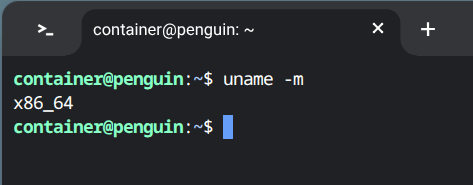
uname -m
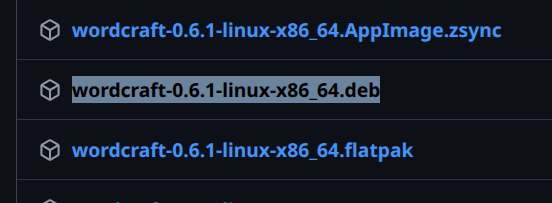
Simply click the link in the Wordcraft Github repo to start the download on your Chromebook. The .deb file will download in your downloads folder.
Installing Wordcraft using APT
Once downloaded, the .deb installation file will need to be moved to "Linux files" so that it's accessible in Chromebooks terminal.
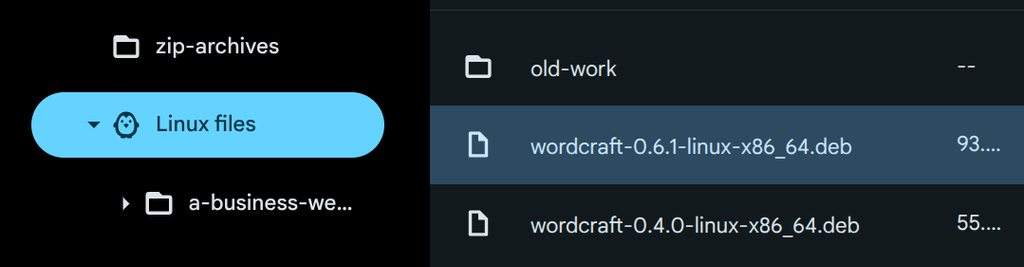
Once the file is moved to "Linux files" it's accessible in linux terminal.
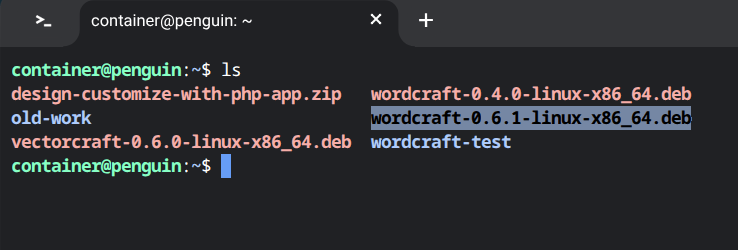
sudo apt install ./wordcraft-0.6.1-linux-x86_64.deb
In terminal type the sudo apt command to install Wordcraft. After typing install and ./wordcraft then pressing tab key the terminal will auto type the .deb file name to be installed. Then simply press enter to begin the installation.
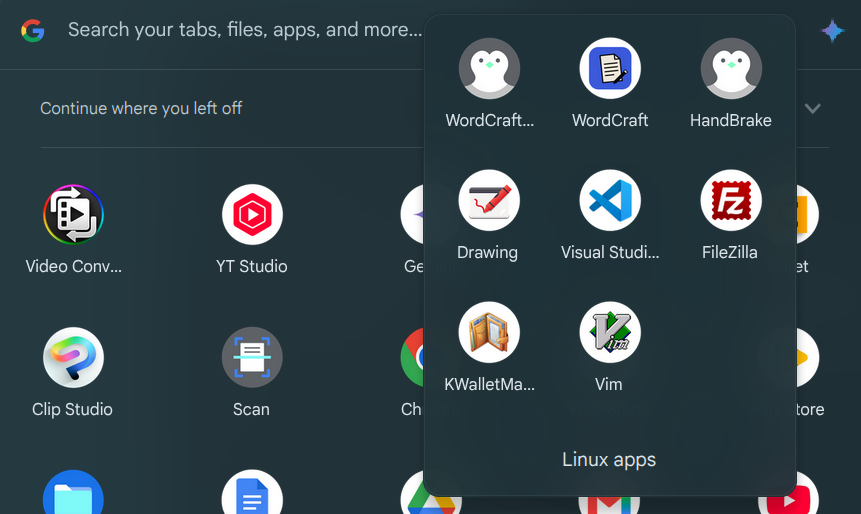
After installation there will be an icon for WordCraft in the App Launcher.
Wordcraft looks promising
Wordcraft isn't reverse engineered by taking apart the Microsoft Word .exe file. Development of Wordcraft seems to be a time consuming task of feeding features in the form of screenshots and descriptions to an agentic AI agent.
Wordcraft is still in early Alpha state with version 0.6.1 at the time of this blog post. Wordcraft borrows from the look and feel of previous Microsoft Word versions.
At the moment you can use it to write a paper with footnotes and table of contents. Save documents in Microsoft Word format and export as pdf.
While trying to insert a graph, Wordcraft just inserts a mock image of a graph. The graph feature is probably still in the works.
The uniqueness of Wordcraft is the built in cli with MCP server to allow your local AI agent to drive Wordcraft.